

No products in the cart.

logotype

Desktop Support

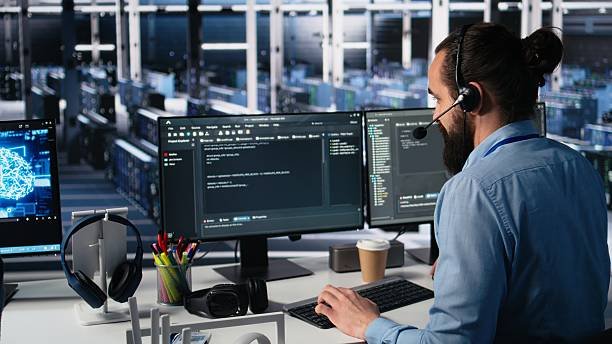
The Desktop Support program is designed to prepare students for careers in IT support by providing practical training in computer hardware, software, operating systems, networking, and troubleshooting. Through hands-on lab sessions and real-world scenarios, students learn how to diagnose technical issues, configure systems, support end users, and maintain IT infrastructure efficiently.

Training Highlight

Training Mode

Offline

Duration

2–3 Months

Skill Level

Beginner to Advanced

What You Will Learn

Throughout this program, students will learn the fundamentals of computer hardware, operating systems, software installation, networking, and system troubleshooting. The training covers Windows installation and configuration, device drivers, printer setup, user account management, network configuration, remote desktop support, antivirus management, data backup, and preventive system maintenance. Students will also gain practical experience in diagnosing technical issues, resolving user problems, and maintaining computer systems using industry-standard tools and best practices.

Practical Training

The course emphasizes practical learning through hands-on lab sessions that simulate real workplace scenarios. Students will install operating systems, configure desktop computers, troubleshoot hardware and software problems, connect systems to local networks, install printers, manage user accounts, and perform remote support tasks. These practical exercises help learners build confidence and develop the technical skills required for professional IT support roles.

Career Opportunities

Program Modules

This program is structured into focused modules covering the essential skills for desktop and IT support careers — from operating system installation and networking to troubleshooting and remote user support. Each module combines theory with hands-on practice to prepare you for real-world technical roles.

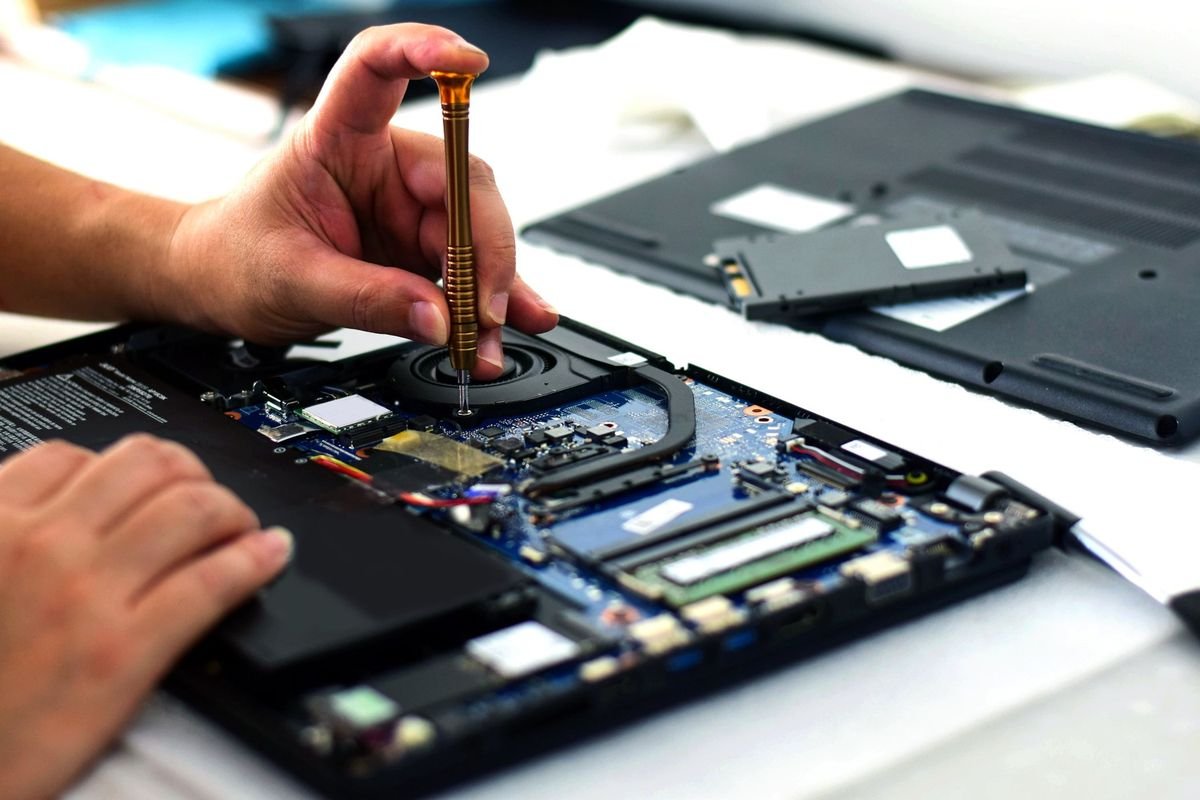
Hardware & OS installation

Learn to configure and install operating systems on desktop and laptop systems. Covers driver installation, BIOS settings, and system optimization for performance.
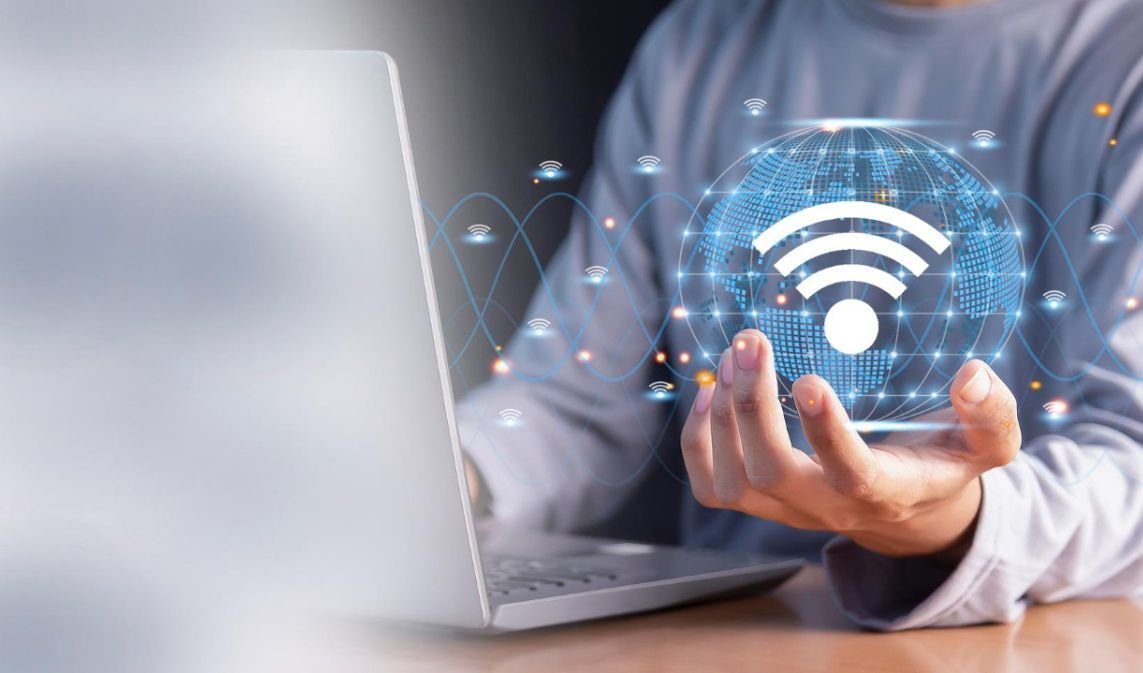
Networking & connectivity

Set up LAN/WAN connections, configure IP settings, and troubleshoot network issues. Includes hands-on practice connecting to routers, switches, and shared printers.
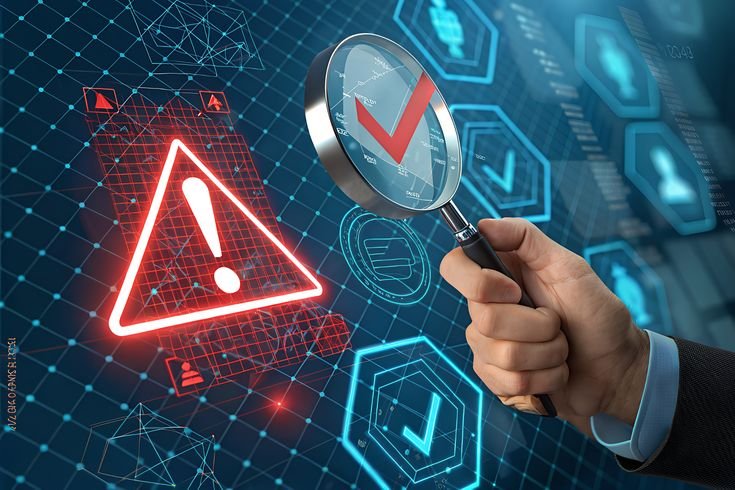
Troubleshooting & diagnostics

Identify and resolve common hardware and software faults using diagnostic tools. Build the problem-solving skills needed for real-world support tickets.

Remote support & user assistance

Practice remote desktop tools, ticketing systems, and user account management. Learn to communicate technical solutions clearly to non-technical end users.

Start Your IT Career Today

Gain practical incident response skills, work on real-world scenarios, and prepare for a successful career in the IT industry.